
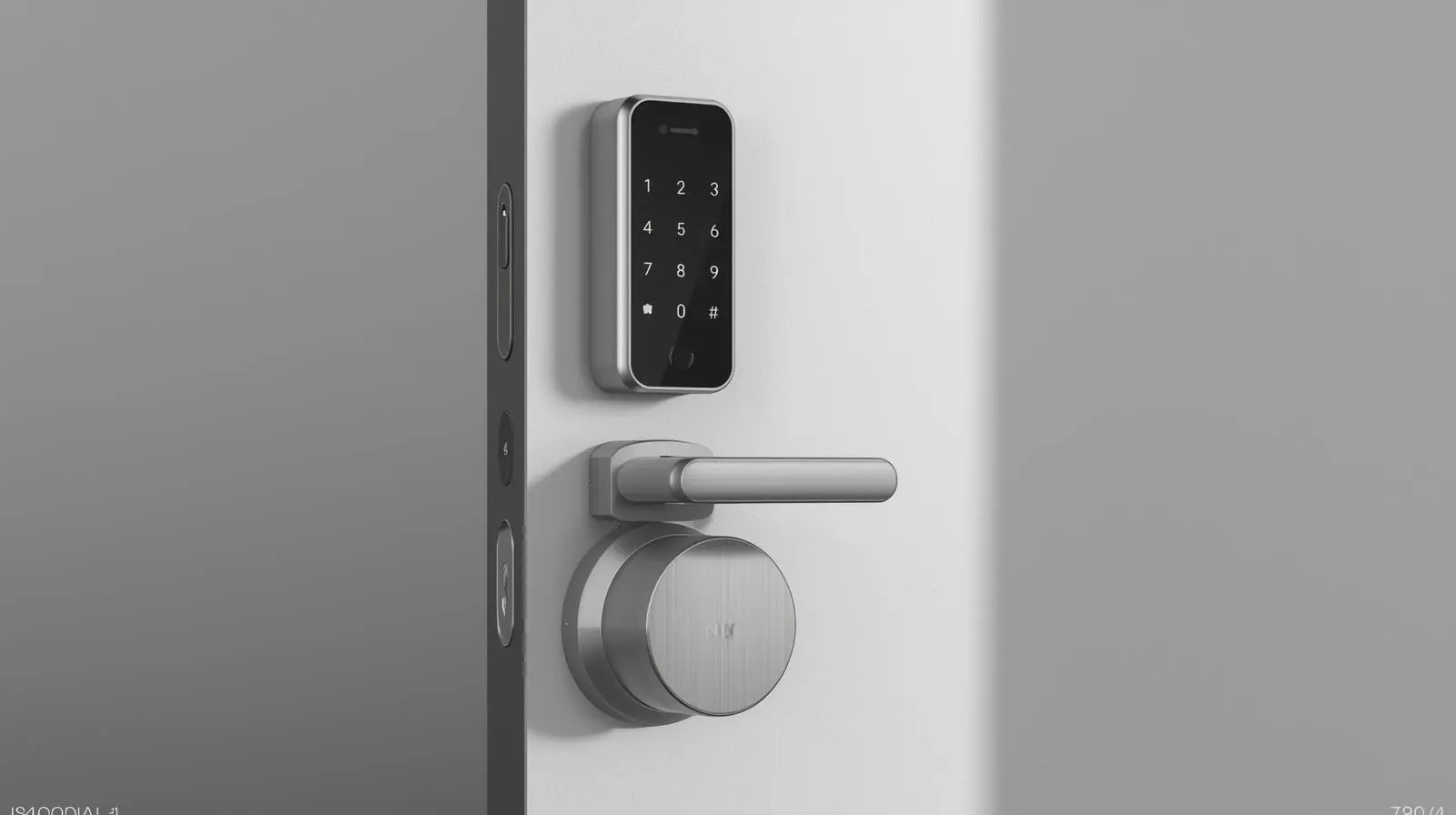
A smart lock makes life easier. You can lock and unlock your door with your iPhone. You do not need a key in your hand. You can also give access to family, friends, or delivery drivers. This gives you more freedom and control. You can see who opens the door and when.
The Nuki Smart Lock Pro is now in its 5th generation. It is Nuki’s latest model. It is quieter and up to three times faster than older models. We tested this smart lock for a few months. Here is what we found.
Small Size and Modern Design
The new Smart Lock Pro looks very different from older Nuki locks. Older models had a big knob and a separate battery box.
This new model has a slim stainless steel knob. It looks modern and clean. The lock is only 57 mm wide. It is about three times smaller than older versions.
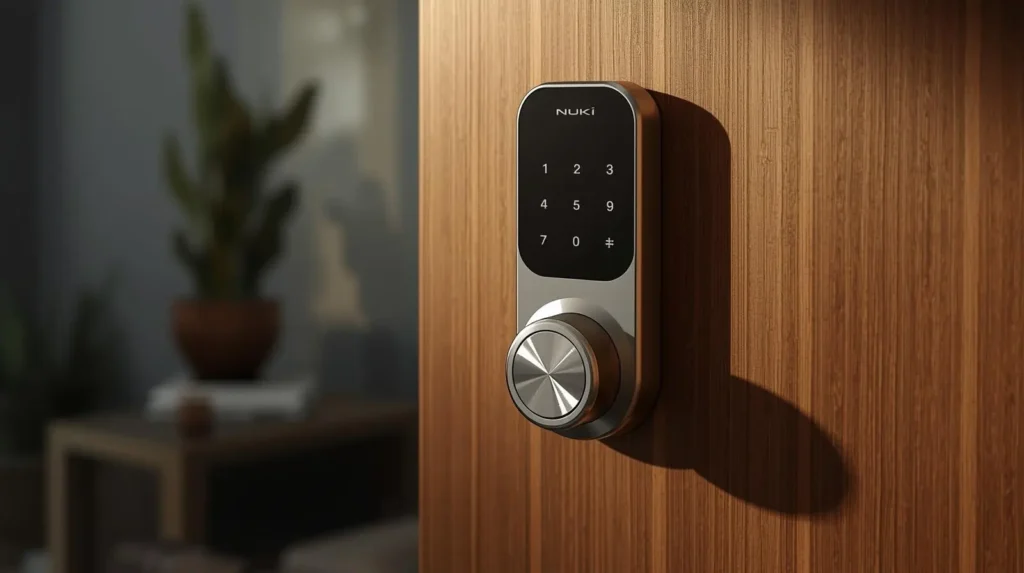
This makes it one of the smallest smart locks you can buy. The battery is built inside the lock. Because of this, there is no extra battery box.
The lock comes with two base rings: one black and one white. You can choose the color that matches your door.
You can:
- Turn the knob by hand
- Press the button in the center
- Use the Nuki app on your iPhone or Apple Watch
The lock works by turning your real key inside the door.
Different Models
Besides the Smart Lock Pro (5th generation), Nuki also sells:
- Smart Lock Ultra – Same technology, but shorter and comes with its own cylinder.
- Smart Lock Go – Cheaper model with a classic design and regular batteries.
We plan to release new accessories in 2026. One new keypad will support NFC and UWB. It will work like Apple Home Key. Nuki also plans to support Aliro, a new universal smart lock standard.
Easy Installation
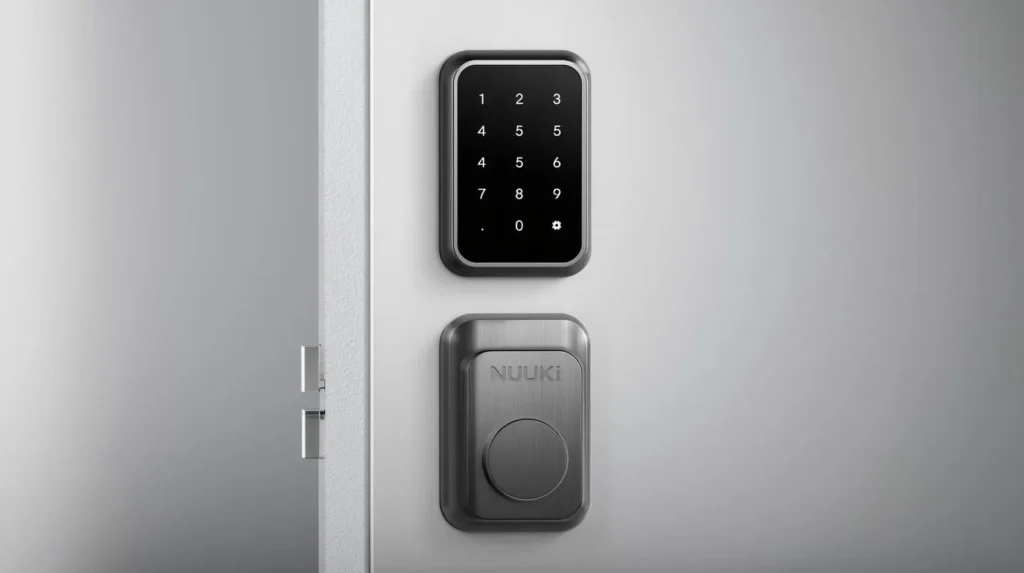
The Smart Lock Pro is easy to install. You place it over your current key. This is great for rental homes because you do not need to change the whole lock.
Before installing, verify your lock operates correctly. If it feels stiff, use a little lock oil.
Nuki gives you two mounting options:
- Bolt mount – For cylinders that stick out 3 mm or more.
- Adhesive mount – For cylinders that stick out less than 3 mm.
The adhesive is very strong.
Steps:
- Attach the mount.
- Insert your key into the lock.
- Place the Nuki on top.
- Insert the battery pack.
The lock clicks into place. To remove it, press the button inside the battery area.
Panic Function Cylinder (Important)
Some locks only allow one key at a time. If a key is inside, you cannot open the door from outside.
If this is your only door, it is smart to use a cylinder with a panic function. This lets you open the door from outside, even if a key is inside.
If the smart lock stops working or your phone battery dies, you can still use a normal key.
We have used Nuki locks for seven years. We only needed the real key once. Still, a panic cylinder is a safe choice.
Setup in the App
After installing, set up the lock in the Nuki app.
Steps:
- Connect with Bluetooth
- Connect to Wi-Fi or Thread
- Set up auto unlock and user access
- Add accessories if you want
If you already had a Nuki lock, you can transfer your settings easily.
Main Features
Three Locking Speeds
You can choose between:
- Gentle – Slow and quiet
- Standard – Good balance (best for daily use)
- Insane – Very fast (locks in about 2 seconds)
At night, the lock can switch to Gentle mode automatically.
Auto-Unlock
The lock can open when you walk close to your door. It uses GPS and Bluetooth. It worked well in our test.
Lock’n’Go
When you leave, the door can lock itself after a few seconds. You can also press the button twice to turn this on.
Smart Home Support
The lock works with:
- Apple Home
- Google Home
- Amazon Alexa
- Samsung SmartThings
It supports Wi-Fi, Matter, and Thread. You do not need a separate bridge. Older Nuki accessories still work with this model.
Built-in Battery
The Smart Lock Pro has a built-in battery.
Nuki says it can last up to 6 months. This depends on how often you use it and which speed mode you choose.
After one month of testing (about 8 uses per day), the battery was still at 85%.
Charging:
- USB-C cable
- Magnetic connector (snaps on easily)
- Full charge takes about 2 hours
- You can use the lock while charging
The battery cannot be replaced by the user. Nuki says it should last 8 to 10 years. They will offer a replacement program if needed.
Final Thoughts
The Nuki Smart Lock Pro (5th generation) is:
- Small and modern
- Very fast
- Quiet
- Easy to install
- Full of smart features
The built-in battery makes it compact and easy to use. If you want a powerful and modern smart lock, this is one of the best options available.