
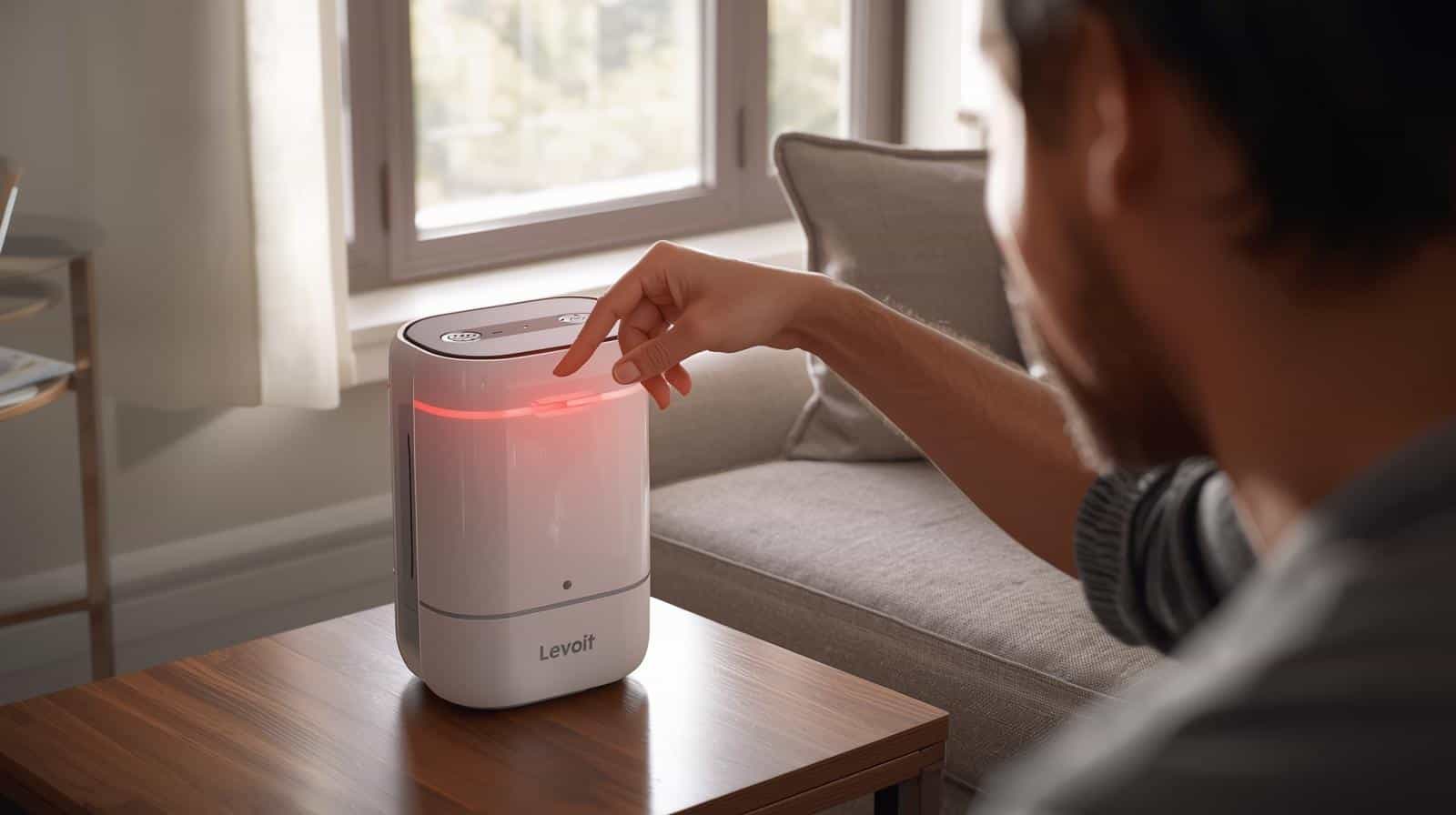
Yesterday, I saw a small red glow on a Levoit LV-H132 Air Purifier sitting in a client’s living room. The owner looked at me and said, “Is this thing broken?” I smiled. I had seen this many times. That Levoit air purifier red light can scare people, but most of the time it’s not a big deal at all.
Have you ever walked past your air unit and noticed a red light? Sound familiar? Don’t worry. In most cases, the Levoit air purifier red light is just your unit asking for a little care.
Let me show you what I did that day.
Quick Fix for Levoit Air Purifier Red Light
If you see the Levoit air purifier red light, try this:
- Turn off and unplug the purifier
- Open the filter cover
- Check or replace the filter
- Plug the unit back in
- Hold the filter reset button for 3–5 seconds
In most cases, the red light disappears right away.
What the Levoit Air Purifier Red Light Means
Most Levoit air units use a red light as a filter check sign. It does not mean the unit is bad. It simply means the filter may be dirty.
Air moves through the filter all day. Dust, pet hair, and smoke get stuck in it. After a while, the unit says, “Hey… time for a new filter.”
That’s when the Levoit air purifier red light turns on.
Some units like the Levoit Core 300 Air Purifier or Levoit Core 200S Smart Air Purifier do this after about 6–8 months of use.
But here’s the catch.
Sometimes the light shows up even if the filter still looks okay. That happens when the timer inside the unit hits its limit.
Pro-Tip:
If you run your air purifier all day, the filter will wear out faster. I tell folks to check it every 3 months.
Step-by-Step: How I Fix the Red Light
Good news. This fix takes about two minutes.
Here is what I did at that house yesterday.
Step 1: Turn Off the Unit
First, unplug the purifier. I always do this before touching any home unit.
Step 2: Open the Filter Cover
- Most Levoit units open from the bottom.
- Twist the base and pull it off.
- You’ll see the round filter right away.
Step 3: Check the Filter
- Look at the filter.
- Is it gray? Full of dust? Maybe pet hair stuck on it?
- If yes, it’s time to swap it out.
Many Levoit units use a Levoit True HEPA Replacement Filter.
Step 4: Put the New Filter In
Slide the new filter into place. Make sure the plastic wrap is removed first. I’ve seen people forget this. The unit won’t work right if the wrap stays on.
Step 5: Reset the Filter Light
- Now plug the unit back in.
- Press and hold the filter reset button for about 3 seconds.
- The Levoit air purifier red light should turn off.
- Done.
Safety First (Always Do This)
Air units are simple, but safety still matters.
Before opening any purifier:
• Unplug the unit
• Keep water away from the motor
• Never wash a HEPA filter with water
I once saw someone rinse a HEPA filter in the sink. That ruins it fast.
Pro-Tip:
Use a small hand vacuum to clean dust around the filter slot. This keeps air flow strong.
When the Red Light Won’t Turn Off
Sometimes the Levoit air purifier red light stays on even after you change the filter.
Here are the common reasons:
1. The reset button was not held long enough
Try again for 3–5 seconds.
2. The filter is not seated right
Take it out and place it back in.
3. The unit needs a full reset
Unplug it for one minute and plug it back in.
Most times, that fixes it.
Pro-Tip:
Run the purifier on high for 10 minutes after a new filter install. It helps clear the air fast.
When It May Be Time to Buy a New One
Air purifiers do not last forever.
If your unit is 6–8 years old, it may be near the end of its life.
Watch for these signs:
• Loud fan noise
• Weak air flow
• Red light keeps coming back
• Strange smell from the unit
At that point, I often suggest a new unit like the Levoit Core 300 Air Purifier. It’s quiet, strong, and great for most homes.
For bigger rooms, the Levoit Core 400S Smart Air Purifier works even better.
Pro-Tip:
Keep one spare filter in a closet. When the red light pops up, you’ll be ready.
Quick Summary
Let’s keep it simple.
If you see a Levoit air purifier red light, it usually means:
• The filter needs to be replaced
• The filter timer needs a reset
• The filter may be dirty
The fix is easy: check the filter, replace it if needed, and reset the light.
That’s it.
Most people think their unit is broken. It’s not. It just wants a clean filter so it can keep your air fresh.
And trust me—I’ve fixed a lot of these over the years. Once you know the trick, the red light won’t bother you again.
The red light usually means the filter has reached the end of its lifespan and needs replacement or a reset.
Yes, but performance may drop if the filter is clogged.
Most filters last 6–8 months, depending on air quality and usage.
Press and hold the filter reset button for 3–5 seconds after installing a new filter.