
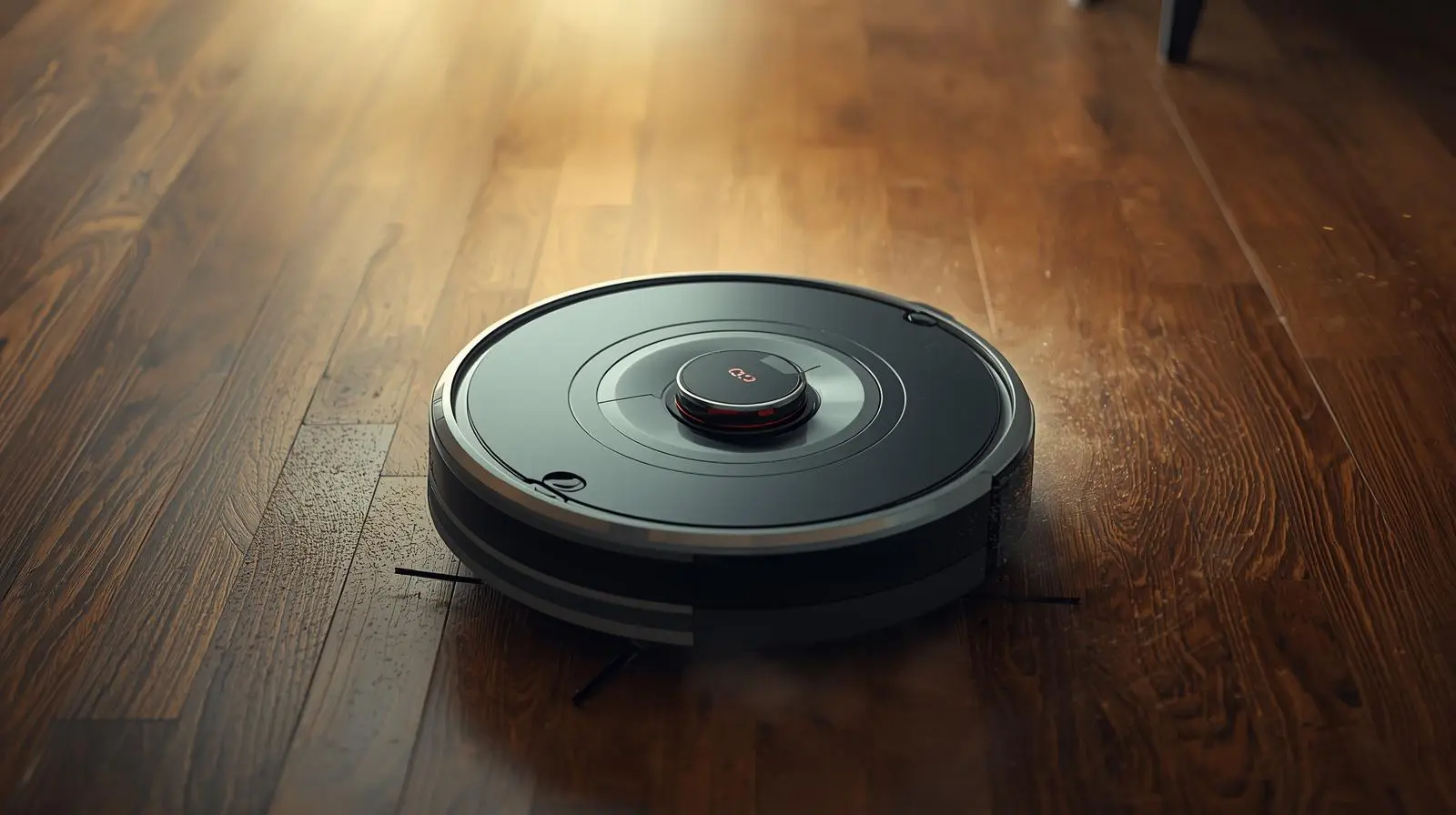
Is your robot vacuum just going round and round? It does not clean. It looks lost. This is a common problem in many US homes, and the good news is you can often fix it fast.
I have worked on many home tools like this. Most circle issues come from dirt, stuck wheels, or bad sensors. Let’s fix it step by step.
Quick Answer (For Fast Help)
Your robot vacuum spins in circles because:
- Dirty or blocked sensors
- Hair stuck in wheels
- Side brush jam
- Low battery or bad dock link
- Old or bad motor part
Clean it first. Check the wheels. Reset the unit. Most times, that solves it.
1. Dirty or Blocked Sensors
Robot vacuums use small cliff and wall sensors. These help them move in a straight line. If dust covers them, the robot gets confused and spins.
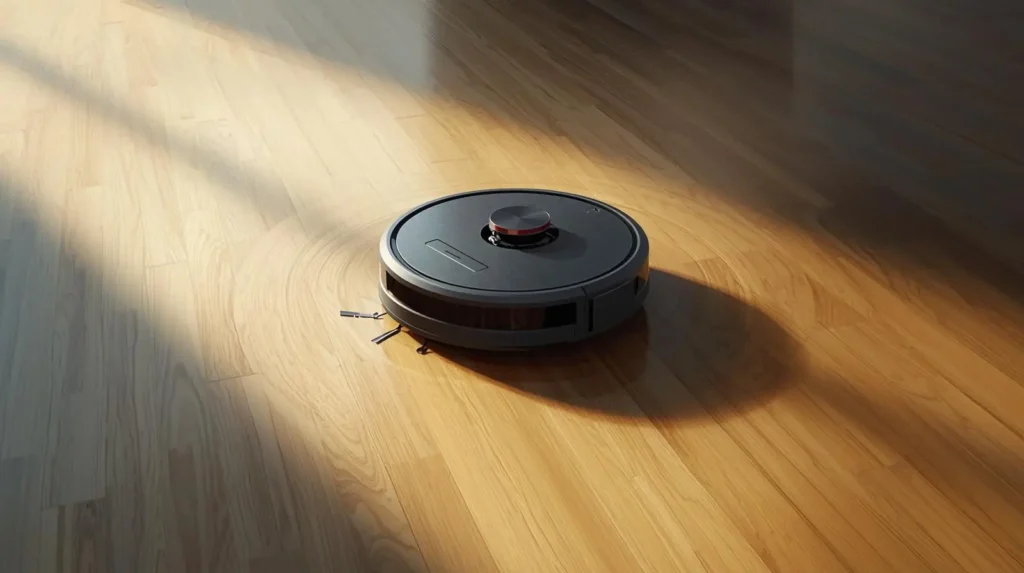
Look under the unit. You will see small dark windows.
Fix:
- Turn off the robot.
- Flip it over.
- Use a soft cloth.
- Wipe each sensor window.
Do not use a wet cloth. Just dry wipe.
Pro-Tip: I clean sensors once a week. It stops most spin issues before they start.
2. Hair Stuck in the Wheels
Hair and string wrap around the wheels. When one wheel moves slow, the robot turns in circles.
This is very common in homes with pets.
Fix:
- Turn it off.
- Pull out the main wheels if you can.
- Cut hair with small scissors.
- Spin the wheels by hand to test.
Make sure both wheels move smooth.
Pro-Tip: Use a seam rip tool. It works great for tight hair wrap.
3. Side Brush Jam
The side brush helps guide dirt inside. If it gets stuck, the robot may spin to one side.

Check the small spinning brush on the bottom.
Fix:
- Remove the screw.
- Take off the brush.
- Clear hair and dirt.
- Put it back tight.
If brush looks bent, buy a new one. They are low cost.
Pro-Tip: Keep a spare brush at home. They wear out fast.
4. Low Battery or Dock Link Problem
When the battery is weak, the robot may move in odd ways. It may spin and stop.
Also check if the dock is in a tight space.
Fix:
- Charge it full.
- Move dock to open wall area.
- Reset the unit (hold power for 10 seconds).
Check the app for error code.
Pro-Tip: Do not place dock near mirrors. It can confuse the robot.
5. Bad Motor or Wheel Sensor
If none of the above works, there may be a bad wheel motor. Or a wheel sensor may not read right.
You may hear a small click sound.
This often happens in older units.
Fix:
- Reset to factory mode.
- Update the app.
- If still spins, call support.
If repair cost is high, it may be time for a new one.
Pro-Tip: If your unit is over 4–5 years old, parts cost more than a new model.
Step-by-Step Full Check (Do This First)
Follow this simple list:
- Turn off and unplug.
- Clean all bottom sensors.
- Remove hair from wheels.
- Clean side brush.
- Charge full.
- Reset unit.
- Test in open room.
Test on a hard floor first. Not on thick rug. Most spin problems stop after this check.
If your robot is spinning today, start with a quick clean. Most times, that is all it needs. If you want, tell me your model name, and I can guide you step by step.